


-
-
AADD Moderators: Tronica
You are using an out of date browser. It may not display this or other websites correctly.
You should upgrade or use an alternative browser.
You should upgrade or use an alternative browser.
who's an amateur photographer here?? show your wares!!
- Thread starter muzby
- Start date





Taliana said:Mr H= where are you? india???? ill be back in india in july...yay!
India, Thailand, Burma, Laos, Vietnam, Cambodia & China
ps: you have a great eye for composition!

katmeow
Bluelight Crew
AlphaCharlieID said:Some drops from the shower....

Was this taken with your digital cam?



drEaMtiMe*@#
Bluelighter
^^^ i been seeing this effect around recently (the black and white photo with some remains of colour), and i’m a huge fan. it's been an effect which i've been lusting over since i saw a particular movie ages ago, and was wondering how you achieve it in photography? has it got to do with the actual camera and colour selection, or is it an after effect achieved through computer program based manipulation?

This is a link to my blog....
its got my drawings on it, but I've also posted some of Jonny's photos.
http://www.kittysdrawings.blogspot.com/
Just scroll down a bit for his stuff.
He also just started his own blog but theres not much there yet. Such a gift for writing too! Glad he's my boyfriend
http://photographersjourney.blogspot.com/
its got my drawings on it, but I've also posted some of Jonny's photos.
http://www.kittysdrawings.blogspot.com/
Just scroll down a bit for his stuff.
He also just started his own blog but theres not much there yet. Such a gift for writing too! Glad he's my boyfriend
http://photographersjourney.blogspot.com/
drEaMtiMe*@# said:^^^ i been seeing this effect around recently (the black and white photo with some remains of colour), and i’m a huge fan. it's been an effect which i've been lusting over since i saw a particular movie ages ago, and was wondering how you achieve it in photography? has it got to do with the actual camera and colour selection, or is it an after effect achieved through computer program based manipulation?
It's done in post, with 2 layers in photoshop. 1 black and white, the other colour. The black and white layers has a vector mask, and you effectively "rub out" the black & white layer to reveal the colours underneath.

doofqueen
Bluelighter
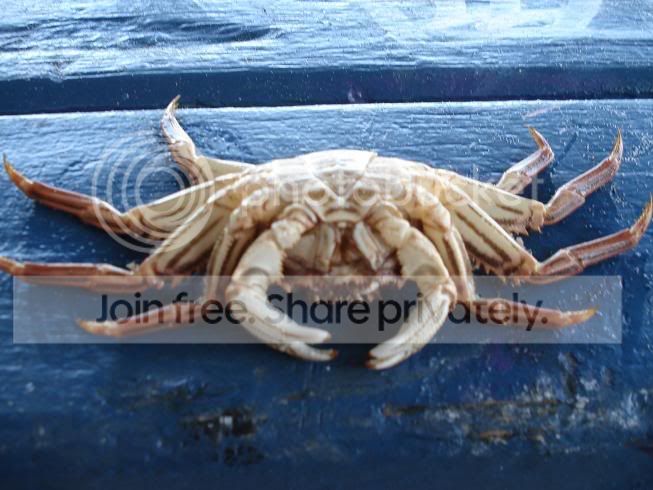
I'm not real good at photograhy but i thought this one turned out ok...

Thou
Bluelighter
warning, I am in now way a photographer. i own a camera, that is all. I am an enthusiast however, and i do like these shots..


Last edited:
drEaMtiMe*@#
Bluelighter
Mr. Horse said:It's done in post, with 2 layers in photoshop. 1 black and white, the other colour. The black and white layers has a vector mask, and you effectively "rub out" the black & white layer to reveal the colours underneath.
cool, thanks for that. time to go study the photoshop manual some more me thinks. i was actually thinking of doing a short course, cos there's just so much to learn and that that program can do.
2c-buoyant said:warning, I am in now way a photographer. i own a camera, that is all. I am an enthusiast however, and i do like these shots..
You have a camera, that makes you a photographer


BloSs0m
Bluelighter
I have recently attempted to create a blog thingy - it's fairly new.
Often my images look like 'happy snaps' however that is simply the style (I suppose some would call it documentary-esque in some ways) which I'm chosing to adopt at the present moment in time and within the realms of my exploration of self through photography.
I seek to document my world, and the people around me. Often they're not beautiful pictures, but they have a life like the subjects within them.
http://anocturnalchild.blogspot.com
Often my images look like 'happy snaps' however that is simply the style (I suppose some would call it documentary-esque in some ways) which I'm chosing to adopt at the present moment in time and within the realms of my exploration of self through photography.
I seek to document my world, and the people around me. Often they're not beautiful pictures, but they have a life like the subjects within them.
http://anocturnalchild.blogspot.com

drEaMtiMe*@# said:^^^ i been seeing this effect around recently (the black and white photo with some remains of colour), and i’m a huge fan. it's been an effect which i've been lusting over since i saw a particular movie ages ago, and was wondering how you achieve it in photography? has it got to do with the actual camera and colour selection, or is it an after effect achieved through computer program based manipulation?
Hi - this technique is called Selective Colourization and if you've got a copy of the GIMP (http://gimp.org), a photoshop-esque app available for Windows XP, a good tutorial is available here (http://www.gimpguru.org/Tutorials/SelectiveColorization/)

Samadhi
Bluelight Crew
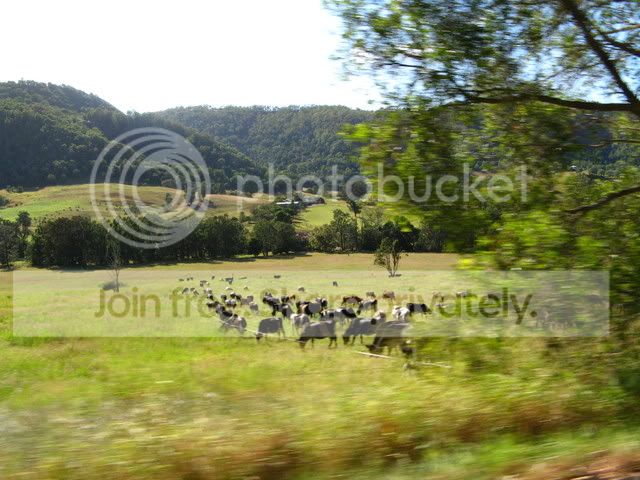
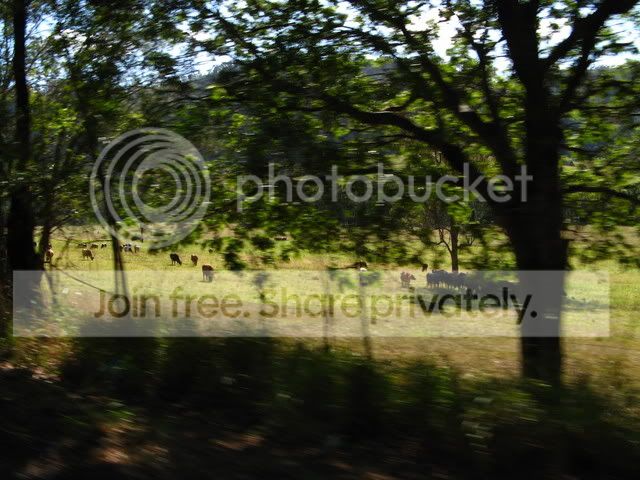
Took these about a month ago from a moving car... produced a pretty cool effect.

joannie_mhm
Bluelighter
- Joined
- Nov 11, 2004
- Messages
- 5,693

random pic i quite like- total fluke it came out even half decent
Samadhi
Bluelight Crew
ooh i like that Jo, that's a wicked perspective :D
katmeow
Bluelight Crew
mr horse said:I have a new lens, and it's sex on a stick
Your model is sex on a stick

I was taking some photos of the city lights a few weeks back and all of a sudden there were random fireworks over the harbour


Samadhi
Bluelight Crew
Fantastic, Kat! I love love LOVE fireworks shots, and you nailed those :D